Buying advice from someone who's bought too many PCs.
Plain-English thoughts on prebuilt PCs, build-vs-buy math, and what's actually worth spending money on.
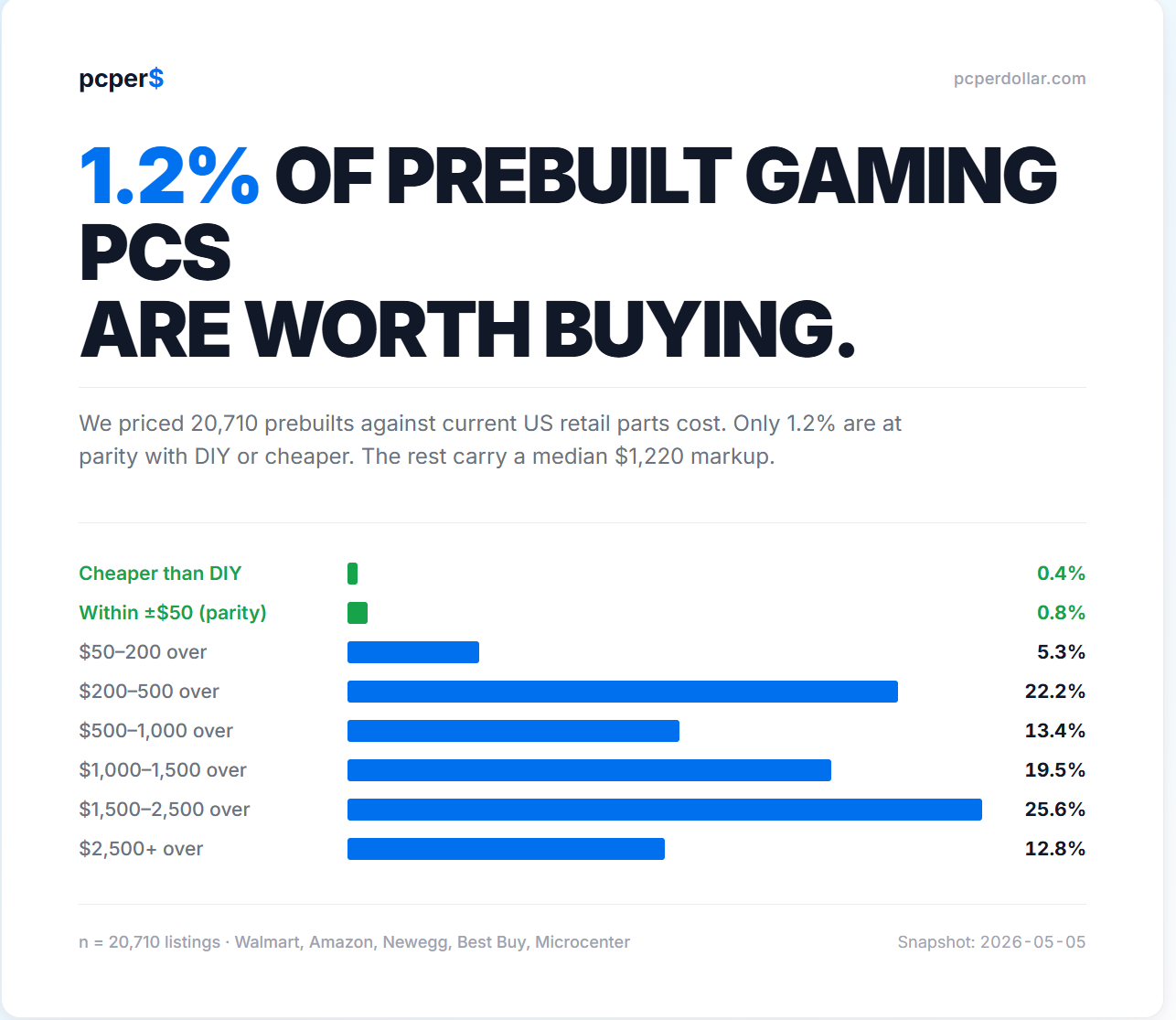
We Priced 20,000 Prebuilts. Only 1.2% Beat DIY.
I built a tool that compares every prebuilt gaming PC's sticker price to what its parts would cost at retail. Here's what the distribution actually looks like — and where the few real deals live.
Most People Are Overspending on Gaming PCs
The best way to save money on a gaming PC isn't finding a great deal — it's not buying more PC than you actually need. A short personal cautionary tale.
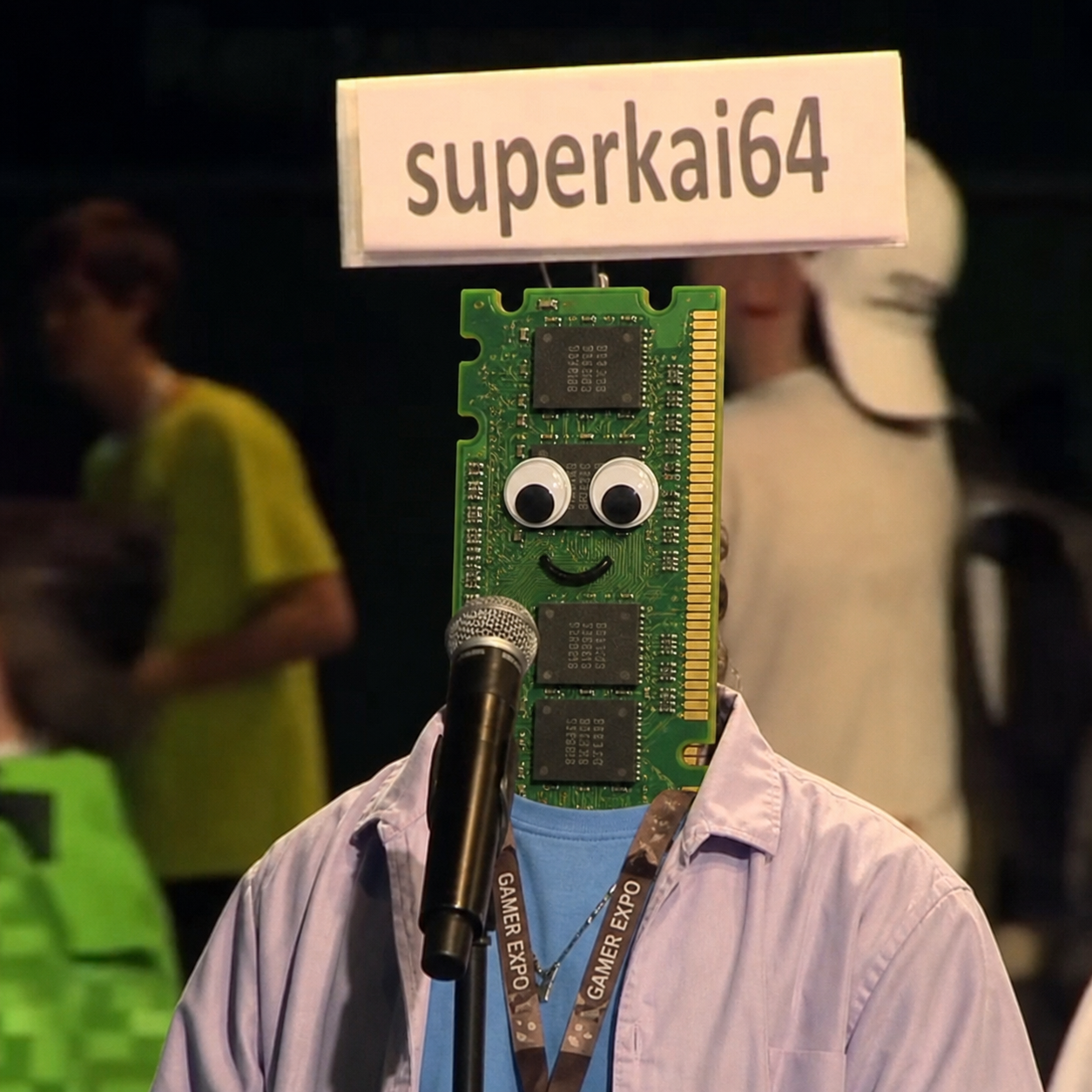
How Much RAM Do You Really Need?
16GB is the new minimum. 32GB is the sweet spot. 64GB is overkill for almost everyone — and with current RAM prices, that's an expensive mistake.

Upgradability
Motherboard generation, DDR4 vs DDR5, Intel vs AMD lock-in, power supply headroom, and the case shape of your future regrets — what to think about before you buy.
What is the PC Per Dollar blog for?
The PC Per Dollar blog explains how to buy a prebuilt gaming PC without overpaying for specs, branding, or future-proofing that does not match your real games. The posts are based on catalog data, DIY cost comparisons, and practical tradeoffs that show up when shoppers compare prebuilts across retailers. Instead of treating every gaming desktop as a generic recommendation, the blog focuses on questions buyers actually ask: how much RAM is enough, when upgradeability matters, whether a prebuilt beats building it yourself, and why some expensive systems are poor value. Use these articles to understand the reasoning behind the PC/$ score, then move into the catalog, analyzer, or product pages to check live prices and current availability before making a purchase. They are written as shopping context, not abstract hardware theory, for buyers making decisions now.